Table of Contents
If you’ve been working in Application Security, Red Teaming, SOC, or Cloud Security for a while, your gut reaction to phishing is probably something like:
“If I keep the credentials safe, the account’s safe.”
But Web3 phishing doesn’t always care about your password.
What attackers really want is something riskier: your approval.
Because in Web3, the second you “approve” the wrong thing, it’s not just “someone logged in as you.” It’s more like “the money’s already gone.”
Web2 Phishing vs Web3 Draining
Web2 phishing
Attackers steal your credentials so they can be “you” later. Then they poke around your systems: sessions, MFA, password resets, keys etc.
Web3 phishing
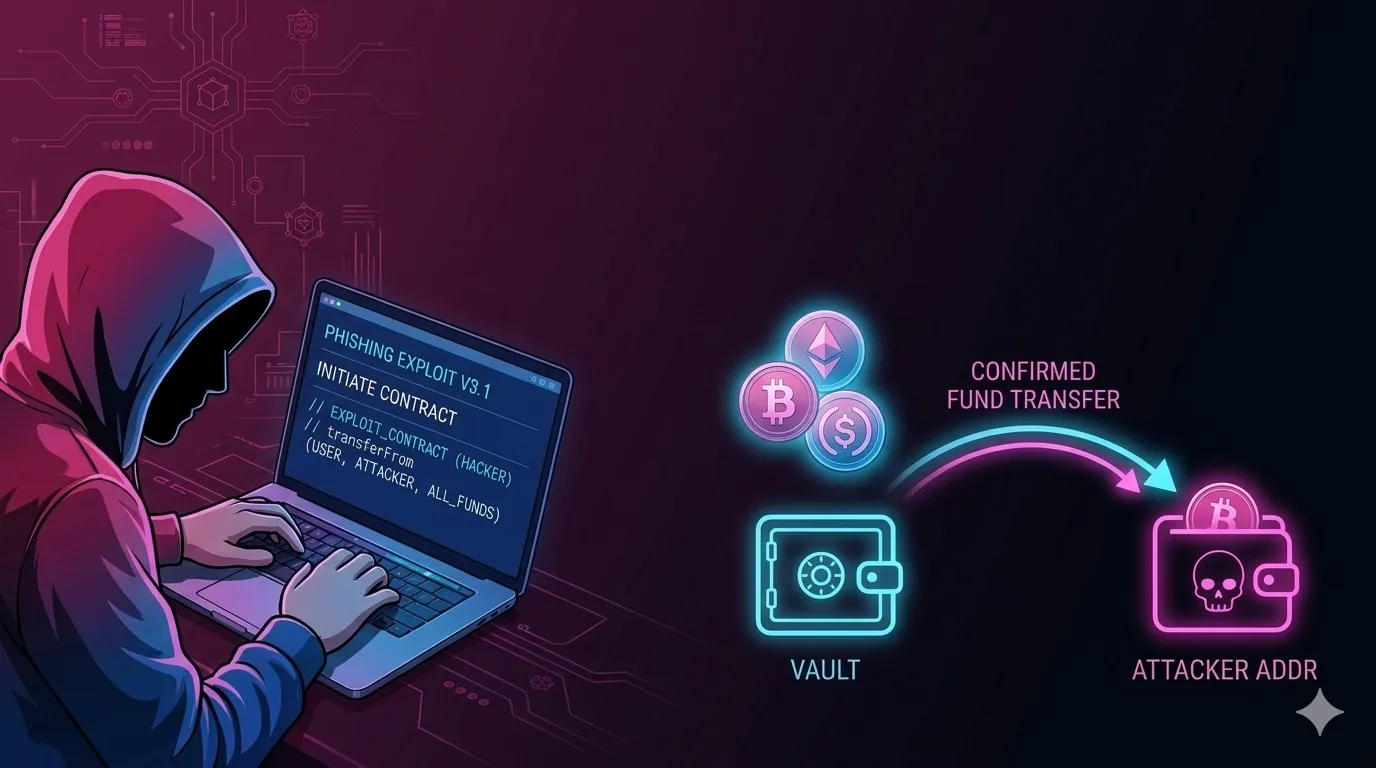
Attackers don’t care about being “you” later. They just want you to authorize the theft right now.
That’s the big shift: In Web3, your single action can move your assets.
And the interface? It looks familiar:
“Connect wallet” “Verify” “Claim” “Mint” “Airdrop eligible”
Feels like logging in, but it acts like you’re approving a bank transfer.
Why Does This Work? Wallets Trained Us to Click Through Danger
With Web2, people got used to:
“Logging in is routine.” “Approving permissions is just part of it.” “Popups are annoying but harmless.”
In Web3, those same popups can be the whole heist.
Attackers don’t need some rare vulnerability. They need confidence, urgency, and a prompt you’re likely to trust.
That’s why wallet drainers aren’t just phishing kits — they aim for consent instead of credentials. And they scale fast.
Case Study 1: One “Trusted Post” Drained $691,000
On September 11, 2023, someone took over Vitalik Buterin’s X account and posted a phishing link. The result? Over $691,000 gone after people clicked, connected their wallets, and approved the prompts.

Think about that for a second.
This wasn’t “someone got locked out of their account.” It was “a trusted channel convinced people to sign away their money.”
Web3 phishing hits hard because: It hijacks trust, then turns trust into authorization.
Case Study 2: BadgerDAO — When a Front-End Attack Turns Into a Bank Robbery
Here’s the part that freaks out Web2 folks:
In December 2021, BadgerDAO got hit. Not by a smart contract bug, but through its user interface. People saw their wallets asking for “extra permissions” on the site — permissions that attackers later abused to empty accounts.
Later, it turned out a “malicious snippet” had been injected in the front-end, thanks to a compromised Cloudflare API key.
Web2 version: It’s a client-side attack, the same thing you’ve seen before — but the outcome’s different: not “session theft” or “data leak,” but direct asset loss, because users got nudged into approving something dangerous.
That’s the Web3 reality: your front-end is now part of the vault.
So How Does the “Drainer Trick” Work
Most drainers use one of these two tricks:
1) The Permission Trap (standing access)
The site asks for a permission that sounds normal, even necessary. But really, it gives the attacker broader or longer access than you realize.
This lack of clarity in the user experience is a big deal — Ethereum Foundation’s Trillion Dollar Security work calls it out, especially around blind signing and frontend security.
2) The Clarity Trap (confusing prompts)
You’re asked to “sign to verify.” But the signing flow doesn’t spell out what happens next.
Attackers love this kind of ambiguity.
Why Web2 Security Folks Need to Care
Here’s the mindset shift:
In Web2, security usually means you can undo things: Password resets Account locks Scam review Centralized rollbacks
In Web3, one click can be the point of no return: Approvals stick around unless you revoke them Assets can move instantly Incident response might only start after the money’s gone
So your job isn’t just “catch it after the fact.” It’s prevent unsafe authorization in the first place.
What You Can Do About It
Web3 doesn’t mean you have to throw out everything you know about security, but it does demand you start thinking differently.
Here’s the key shift: your frontend and every little decision users make become part of your security boundary.
If You’re Building Web3 Products
1) Treat the frontend like Tier-0 infrastructure
Most users never touch smart contracts directly — they go through your website. If someone tampers with your site, users get redirected or tricked into approving bad stuff.
2) Make every “value-moving” moment painfully clear
People blindly approve stuff all the time because prompts are vague or confusing. Put warnings in plain language, right in the UI. Stuff like, “This gives ongoing access,” or “This moves your assets.” Add extra confirmation screens for risky actions — make it obvious when something big is about to happen.
3) Don’t make “extra prompts” a normal part of basic actions
If users get used to clicking through endless prompts, they’ll click through the attacker’s too. That’s how “transaction uncertainty” wins.
If You’re Defending Users or Organizations
1) “Don’t click links” becomes “Don’t sign surprises”
Phishing in Web3 means tricking people into signing stuff they don’t get. Blind signing is a huge risk.
2) Change the mental model: “Connect wallet” is more like authorizing a payment than logging in
This mindset alone cuts down on risky clicks.
3) Treat social and community account takeovers as high-severity incidents
Attackers have hijacked trusted accounts, posted phishing links, and drained almost $700K from victims who connected wallets.